

A great clean gaming setup does not need much to look good. It needs the right things in the right places.
The main thing is to remove visual noise. Clear surfaces, hide cables, control the colors, and use a few well-chosen details to make even a small desk feel sharper and more intentional.
The goal is not to erase your personality. It is to make the things you actually care about stand out.
Start With a Clear Desk
Begin with the easiest win: remove anything that does not need to live on the desk.
Keep daily-use gear within reach, then move spare cables, adapters, controllers, and other tech clutter into drawers, trays, hooks, or under-desk storage. If you only use something once a week, it probably does not need permanent desk residency.
Give recurring items a fixed home too: a headphone hook beneath the desk, a controller stand beside the monitor, or a shallow drawer for charging gear.
A large desk mat can group your keyboard and mouse into one visual zone, while leaving some of the desk itself visible makes the whole setup feel less cluttered. If you use speakers, a mic, or a dock, try to keep them aligned rather than scattered at different depths across the desk.
A good minimalist gaming setup feels edited rather than empty.
Hide the Cable Chaos
Cable management makes one of the biggest visual differences.
Mount the power strip underneath the desk if possible, then route the power bricks and excess wire into a cable tray. Use Velcro ties to group cables together and adhesive clips to keep them tucked along the underside.
Run monitor cables behind the screen and down the monitor arm, leaving enough slack if you use a sit-stand desk.
If anything needs to reach the floor, route the cables together down one desk leg rather than letting each one wander off independently.
From your normal sitting position, you should see the hardware, not everything keeping it powered.
Keep the Color Palette Simple
A limited palette instantly makes a setup feel more cohesive.
Choose one main neutral, one secondary tone, and one accent. Some reliable combinations include:
- White, gray, and one muted color
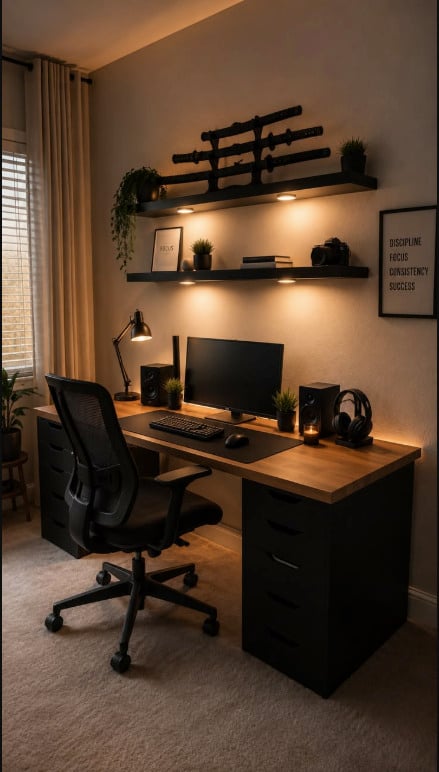
- Black, charcoal, and one RGB shade
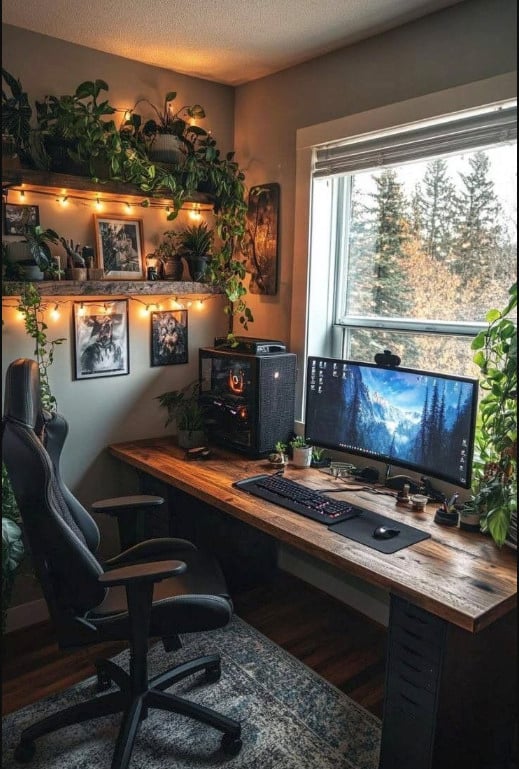
- Black and natural wood
- Black and white
The useful part is consistency, not perfect matching. Your keyboard, desk mat, PC case, lighting, and artwork do not all need to be the exact same shade; they just need to look like they belong in the same room.
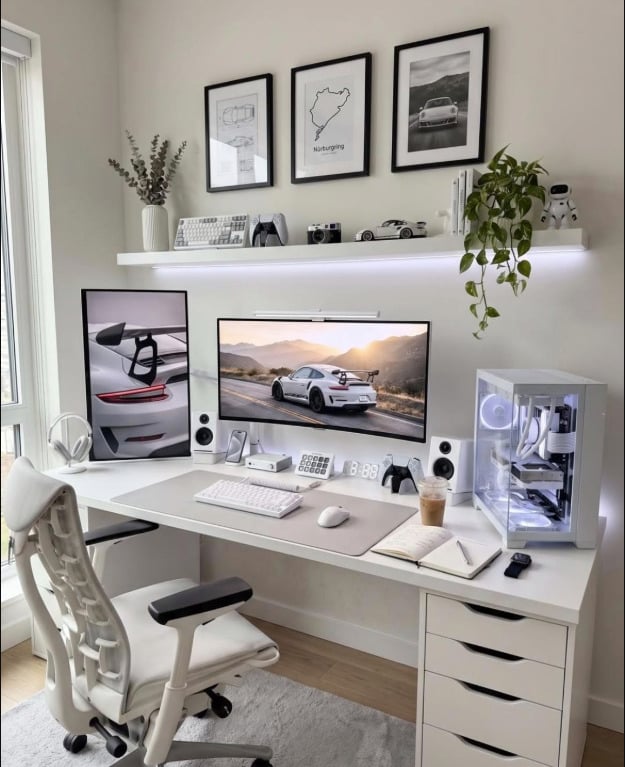
A clean white gaming setup does not need every object to be pure white. Light gray, cream, pale wood, or a soft accent keeps it crisp without making the room feel clinical. Darker hardware can work too if it is repeated deliberately, such as a black monitor arm, black speaker set, and black details on the PC.
Make Your Monitors Look Intentional
For a clean dual-monitor setup, alignment matters more than owning perfectly matching screens.
Keep the top or bottom edges level, reduce awkward gaps, and treat both displays as one visual unit. Monitor arms help by freeing desk space and making cables easier to hide.
Choose a layout that suits how you actually use the screens. Two landscape monitors work well for multitasking, while a vertical or stacked second display can be useful for chat, guides, browsing, or streams.
If one screen is noticeably larger, let it be the clear primary display rather than forcing symmetry.
Matching wallpapers or similar colors across both screens can help tie the whole setup together.
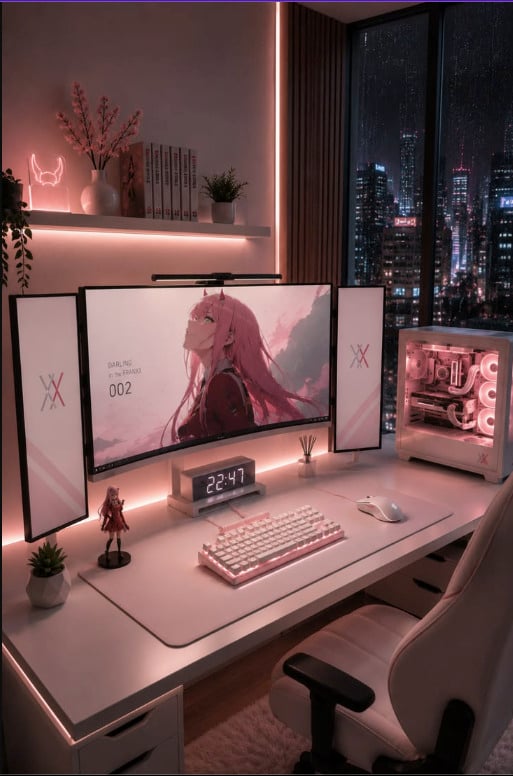
Combine Lighting and Decor Carefully
Once the desk is tidy, avoid immediately filling every empty space again.
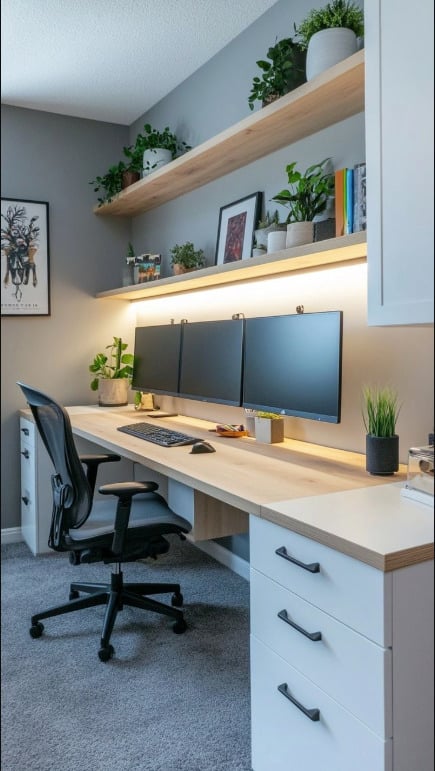
Bias lighting behind the monitor or a subtle strip beneath a shelf can add depth without adding clutter. If several devices use RGB, sync them to the same color or keep them within the same family of tones.
You do not need lighting everywhere. One strong backlight plus a small lamp or shelf light is usually enough to give the setup shape after dark.
Decor should be equally selective. One favorite figure, controller, plant, or collector’s item will usually have more impact than a shelf packed edge-to-edge.
Think about placement too. A collectible beside the monitor or a controller displayed on a stand feels intentional; five unrelated objects squeezed into every available gap quickly undo the work you did earlier.
Closed storage can handle everything else.
That balance keeps a clean gaming room personal without losing the streamlined look.
Keep Wall Art Clean and Curated
Wall art works especially well in a minimalist setup because a small number of strong pieces can do a lot of visual work.
One large artwork above the monitor creates a clear focal point. On a wider wall, two or three coordinated designs can work just as well. Leave enough space around them and keep the spacing consistent so the display feels deliberate rather than crowded.
Choose pieces that connect with the setup through color or mood. Monochrome sci-fi art suits black-and-white rooms, simple anime artwork can complement a clean white gaming setup, and darker fantasy designs add contrast to charcoal or black spaces. In a very neutral room, one vivid piece can even provide the main accent color.



Displate metal posters work naturally here because the display stays graphic and streamlined without bulky frames. A single well-chosen design can carry an entire wall without needing much around it.
Fewer pieces, stronger choices, more breathing room.
Clean Gaming Setup Ideas to Steal
If you are looking for simple gaming room ideas, start with one clear aesthetic and stick to it.
Clean White Setup
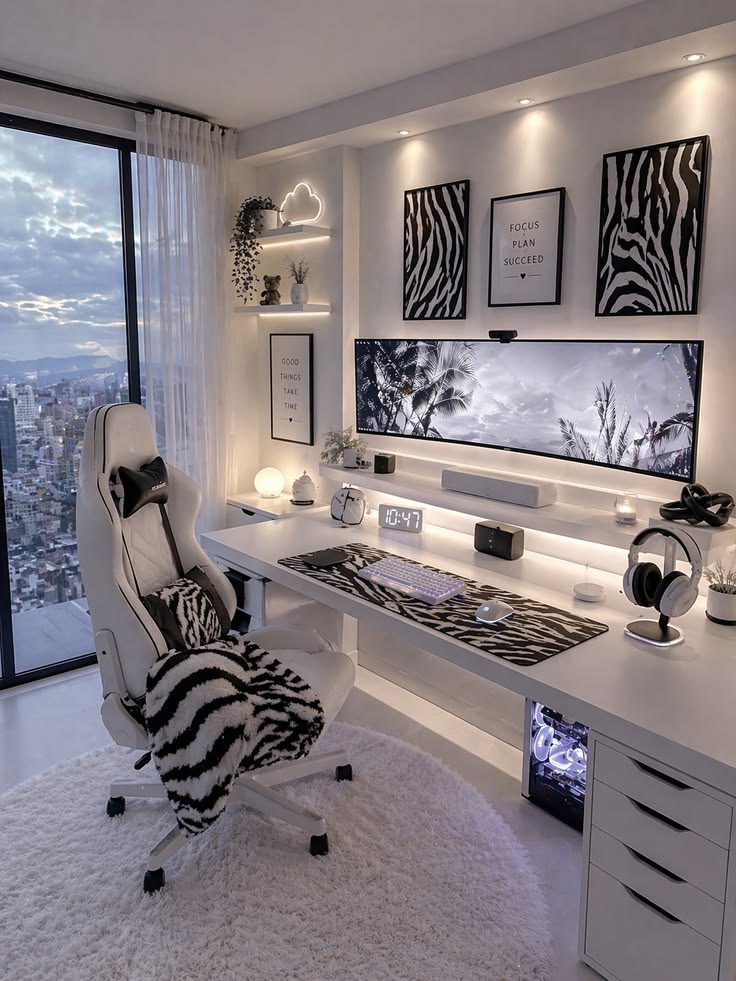
Use a white desk, pale peripherals, and soft backlighting, then add black accents for contrast. Monochrome wall art helps tie the whole setup together without breaking the clean look.
Black Minimalist Setup
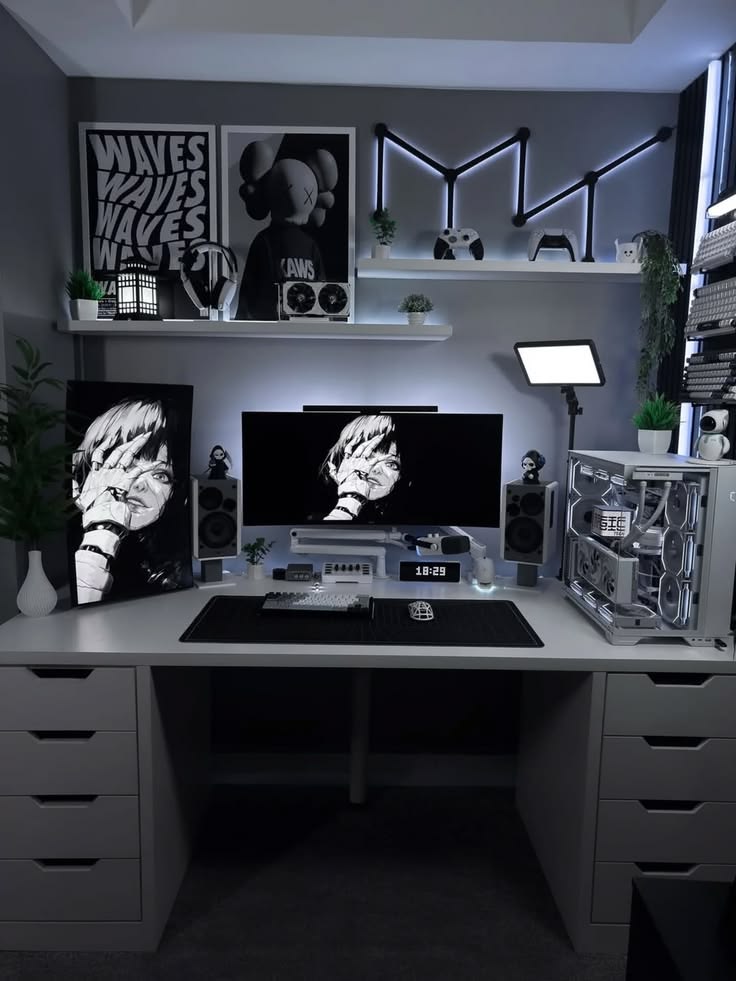
Pair a white desk with black screens, accessories, and monochrome artwork for a sharp, high-contrast setup. Cool wall lighting adds interest without introducing extra colors.
Minimal RGB Setup
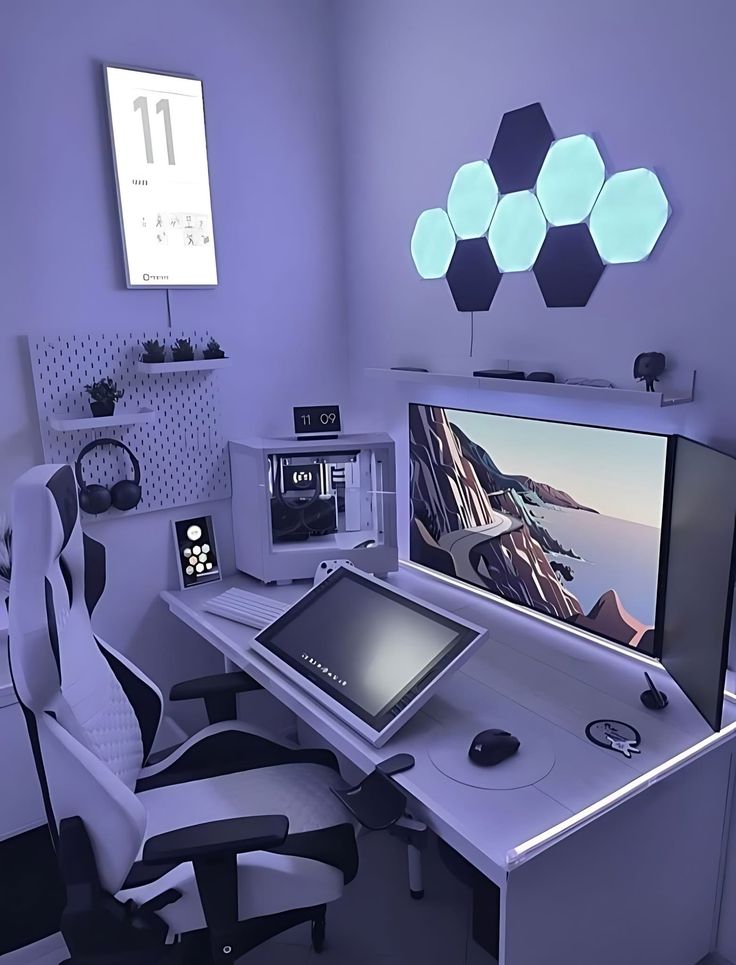
Keep the hardware mostly white and neutral, then use one cool RGB palette across the wall panels, desk lighting, and PC. The result feels futuristic without getting visually noisy.
Make the Clean Look Last
The best clean gaming setup is one that is easy to reset.
Give controllers, charging cables, and accessories a fixed home, then clear the desk after a session. If tidying everything takes more than a couple of minutes, your storage probably needs a rethink.
Once the clutter is gone, the details you keep have more impact, especially what goes on the wall.
Choose one standout design or a small coordinated set that fits your setup’s colors, favorite games, and overall aesthetic. Explore Displate’s collection of gaming metal posters to find artwork that deserves a place in your setup.
Keep the cables hidden, the colors controlled, and the wall worth looking at.
